MEAT
0% jupiter swap|
0% jupiter swap|
Meat is your personal crypto alert terminal. It runs on your machine, watches the market 24/7, and sends clear buy/sell alerts based on the strategies you configure. You stay in full control.
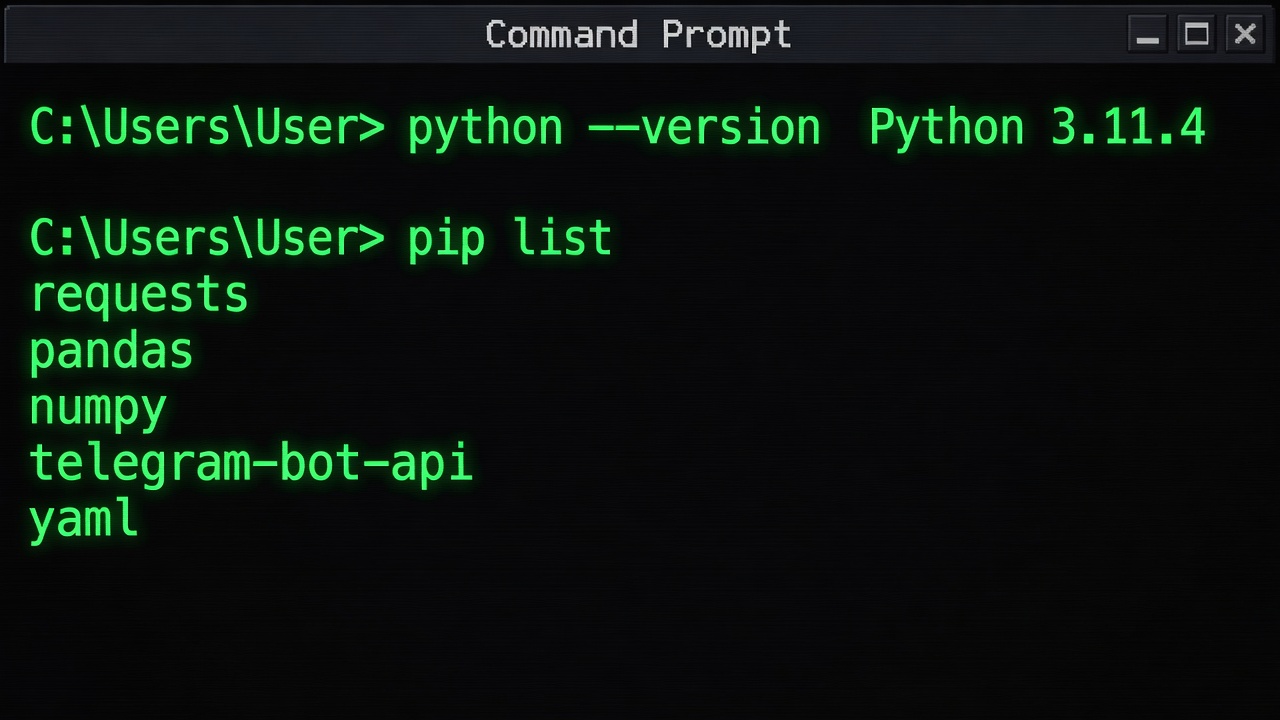
Step 1 - Verify your environment
Make sure you have Python 3.10+ installed and the required packages available (the screenshot shows a clean check with pip list).
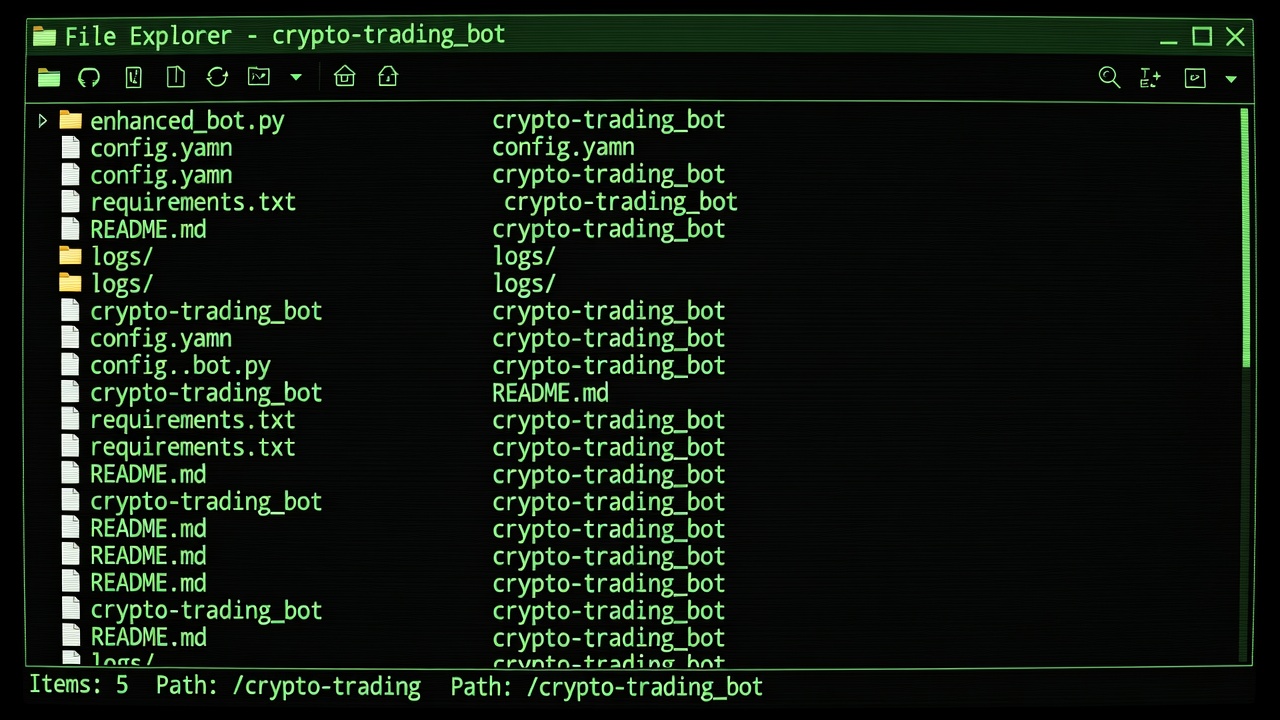
Step 2 - Download / clone the bot folder
Get the crypto-trading_bot directory (the screenshot shows a typical cloned repo with enhanced_bot.py, config.yaml, requirements.txt, etc.).
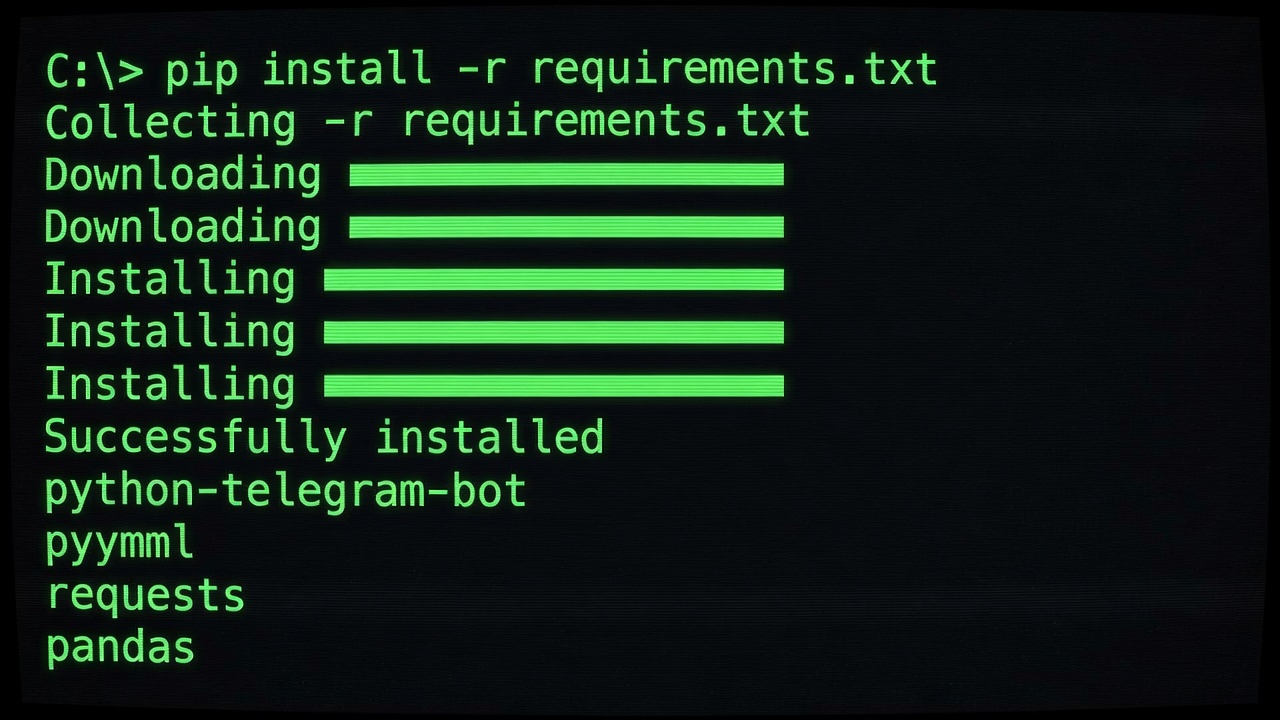
Step 3 - Install dependencies
pip install -r requirements.txt
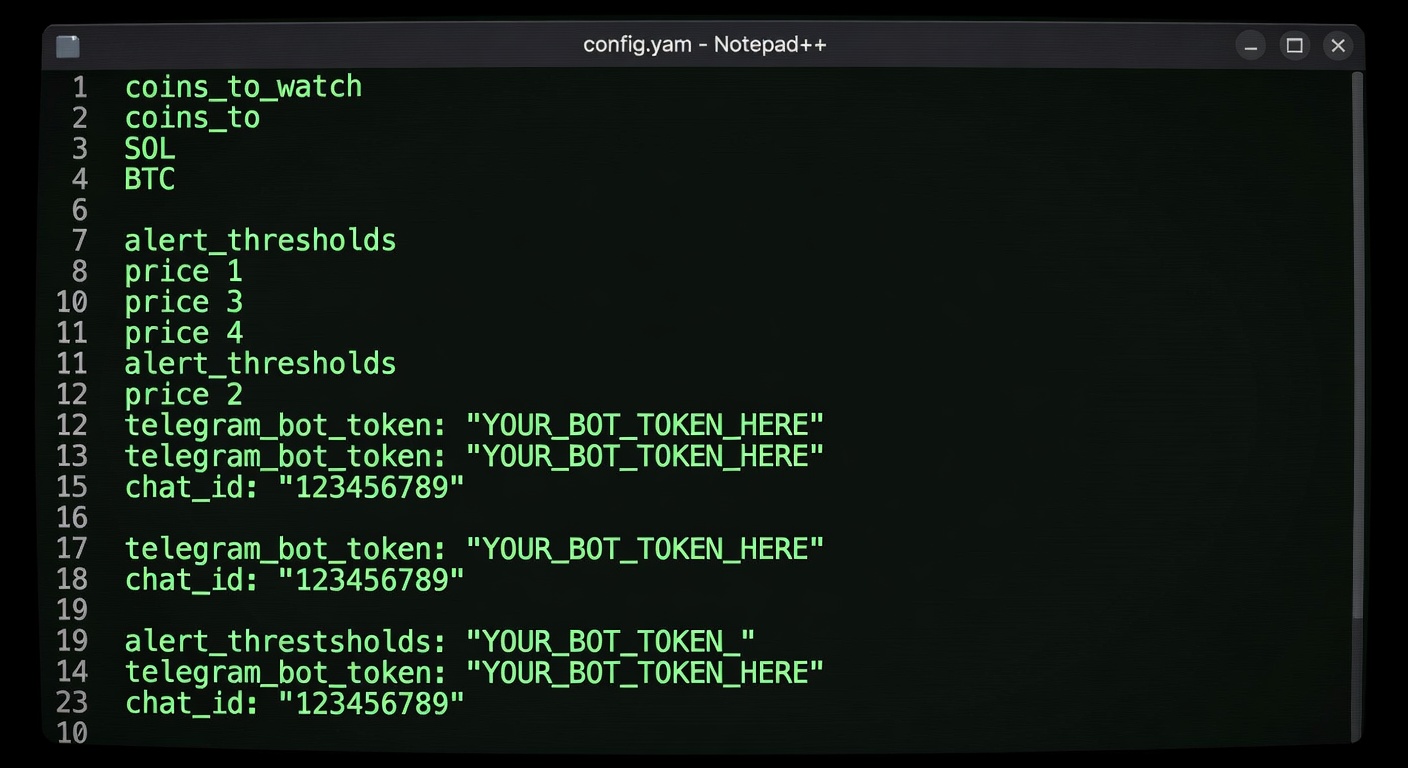
Step 4 - Configure your settings
Open config.yaml and fill in your preferences (coins to watch, alert thresholds, Telegram bot token, etc.).
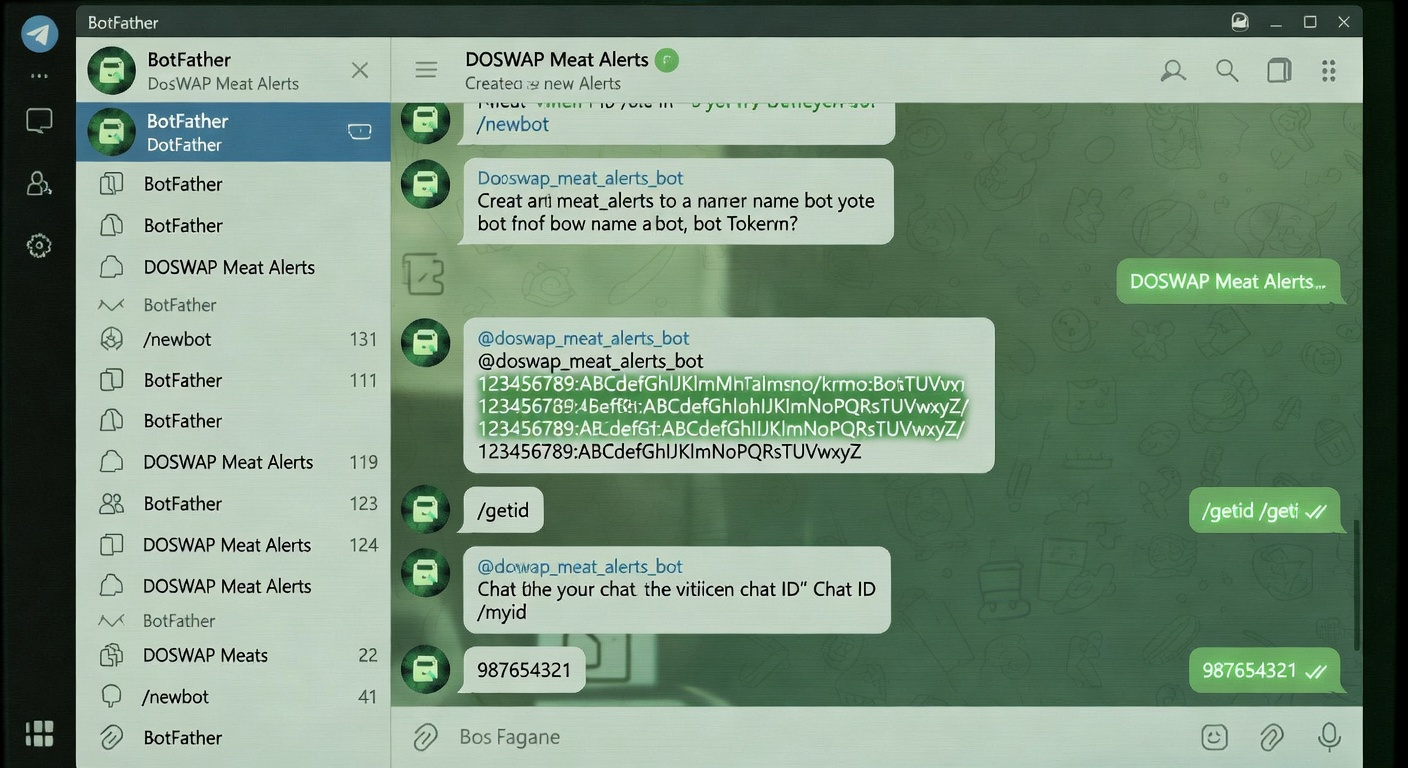
Step 5 - Set up Telegram alerts
Create a Telegram bot via @BotFather and add your chat ID in the config.
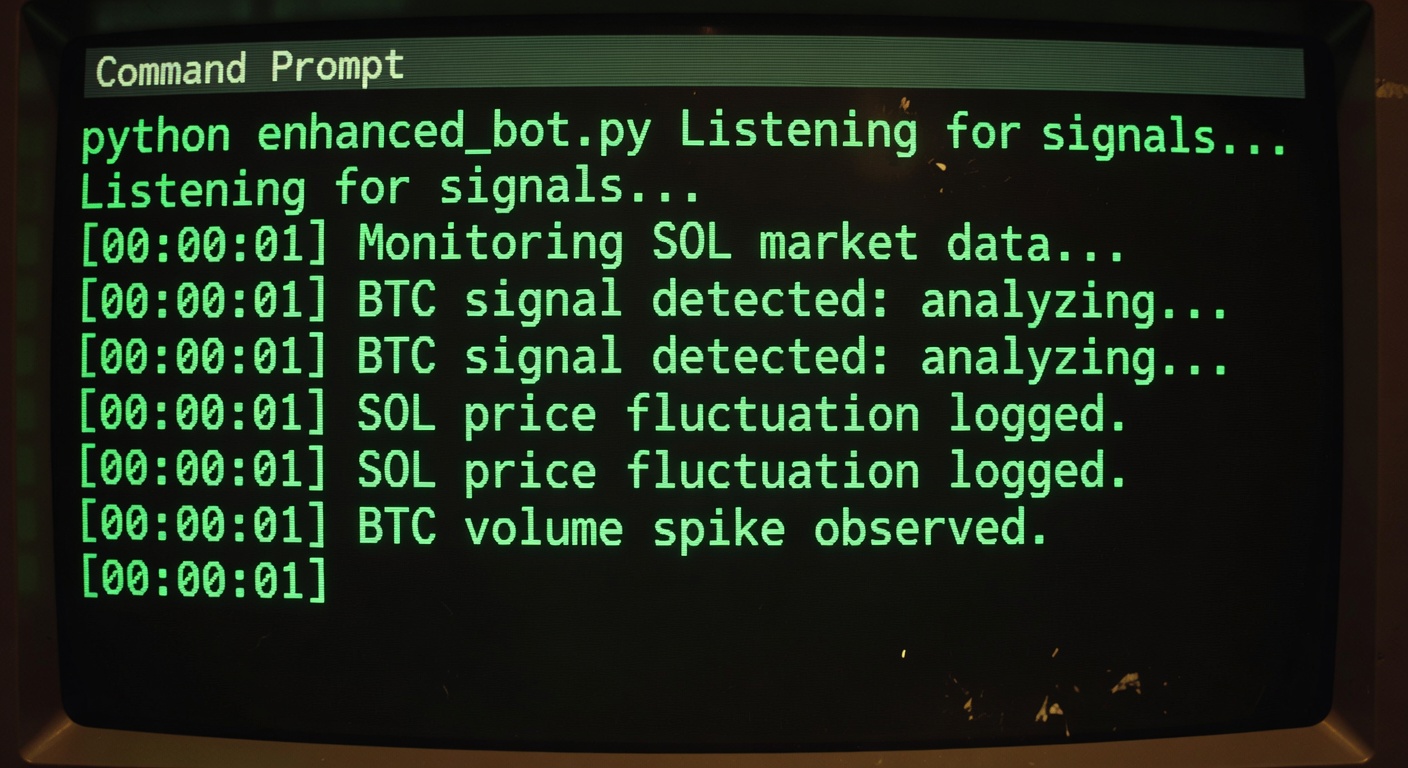
Step 6 - Run the bot
python enhanced_bot.py
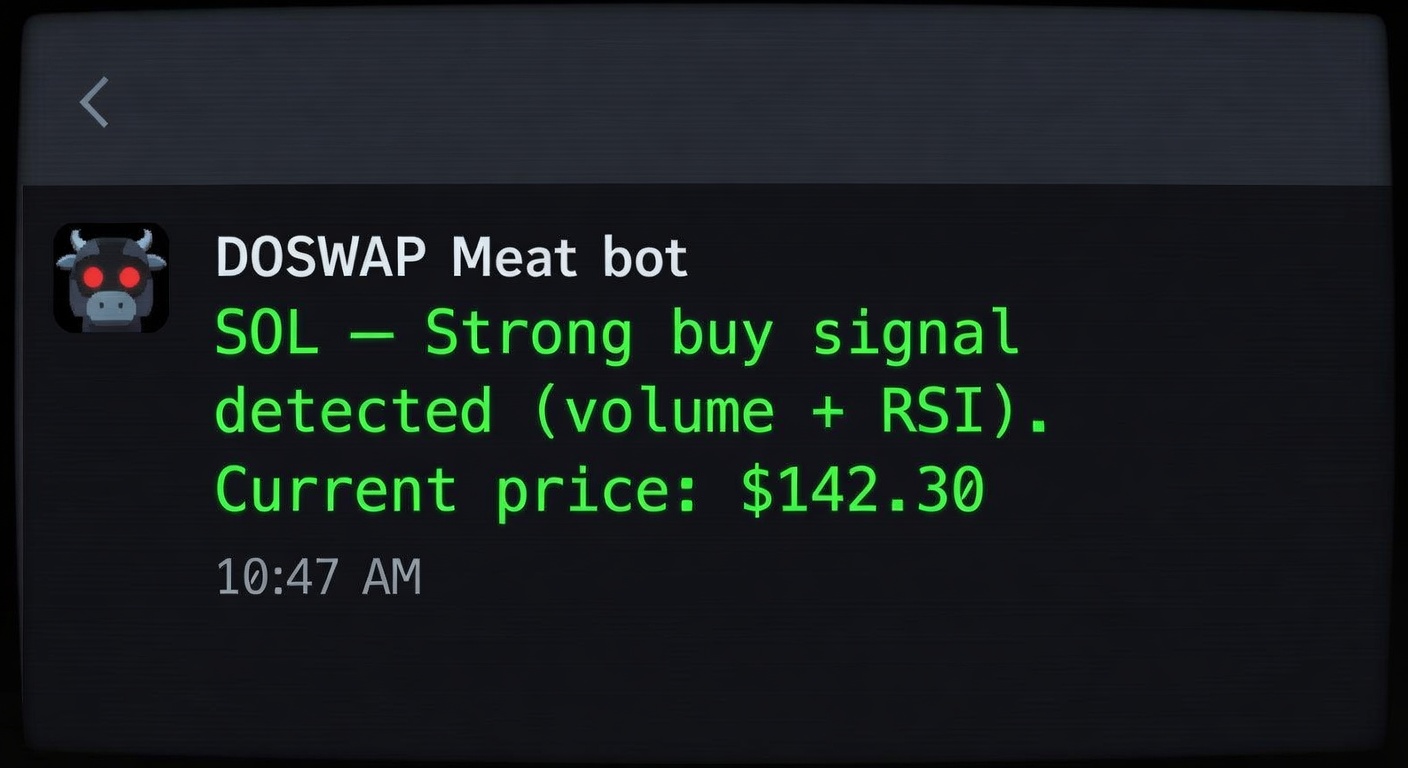
Step 7 - Receive alerts in Telegram
You will get clean push notifications like the one in the screenshot:
"SOL - Strong buy signal detected (volume + RSI). Current price: $142.30"
Watch this full setup video for visual learners:
COMING SOON - https://www.youtube.com/watch?v=example-doswap-meat-setup
The video walks through every step with screen recordings.
powered by Glitch Protocol